Synchronous vs Asynchronous JavaScript

JavaScript can only do one thing at a time. How it handles waiting, that's the whole story.
Start With How Code Normally Runs
When you write JavaScript, the default behavior is simple: the code runs top to bottom, one line at a time. The next line doesn't start until the current one finishes.
console.log("Step 1");
console.log("Step 2");
console.log("Step 3");
Output:
Step 1
Step 2
Step 3
No surprises. Line 1 runs, completes, then line 2 runs, completes, then line 3. This is synchronous code, it's sequential, predictable, and easy to reason about.
Think of it like a recipe. You boil water. You wait for it to boil. Then you add the pasta. You do things in order, one step at a time. Nothing starts until the previous step is done.
What Synchronous Actually Means
Synchronous means in order, one at a time, waiting for each step to finish before moving on.
Here's a slightly more real example:
function greetUser(name) {
  const message = "Hello, " + name;
  return message;
}

const result = greetUser("Priya");
console.log(result);
console.log("Done.");
Hello, Priya
Done.
Every line waits for the one before it. greetUser has to finish before result gets a value. console.log(result) has to finish before "Done." prints.
This is clean and logical. And for simple operations, math, string manipulation, working with data already in memory, synchronous code is exactly what you want.
The problem starts when an operation takes time.
The Blocking Problem
Some operations don't finish instantly. They need to wait for something outside the program:
A response from a server
Data from a file on disk
A database query to complete
A timer to run out
Now imagine JavaScript ran these synchronously, meaning it waited, doing absolutely nothing, until each slow operation finished before moving on.
// Imagine this is a slow operation that takes 3 seconds
const data = fetchDataFromServer(); // waiting... waiting... waiting...

console.log(data);       // only runs after 3 seconds
console.log("Hi there"); // also waits 3 full seconds
For those 3 seconds, everything freezes. No button clicks work. No animations play. The scroll doesn't respond. The entire page locks up, just waiting.
This is called blocking code. The slow operation blocks everything that comes after it.
Imagine visiting a website and having the page freeze for 3 seconds every time it needed to load something. You'd close the tab immediately. That's exactly the experience blocking code creates.
What Asynchronous Means
Asynchronous code is the solution. Instead of waiting around, you say: "Start this task, and when it's done, let me know. I'll do other things in the meantime."
You've experienced this in real life constantly. When you order food at a restaurant, you don't stand frozen at the counter waiting for your food to be ready. You go sit down, talk to people, check your phone. When the food is ready, someone calls your name and you go get it.
That's async. Start the task, continue doing other things, handle the result when it arrives.
console.log("Ordering food..."); // starts the process

setTimeout(function() {
  console.log("Food is ready!"); // runs when the timer finishes
}, 3000);

console.log("Sitting down and waiting..."); // runs immediately
Output:
Ordering food...
Sitting down and waiting...
(3 seconds later)
Food is ready!
Notice the order. "Sitting down and waiting..." prints before "Food is ready!" , even though it appears after the timer in the code. JavaScript didn't freeze. It started the timer, moved on, and handled the result when the timer finished.
Visualizing the Difference
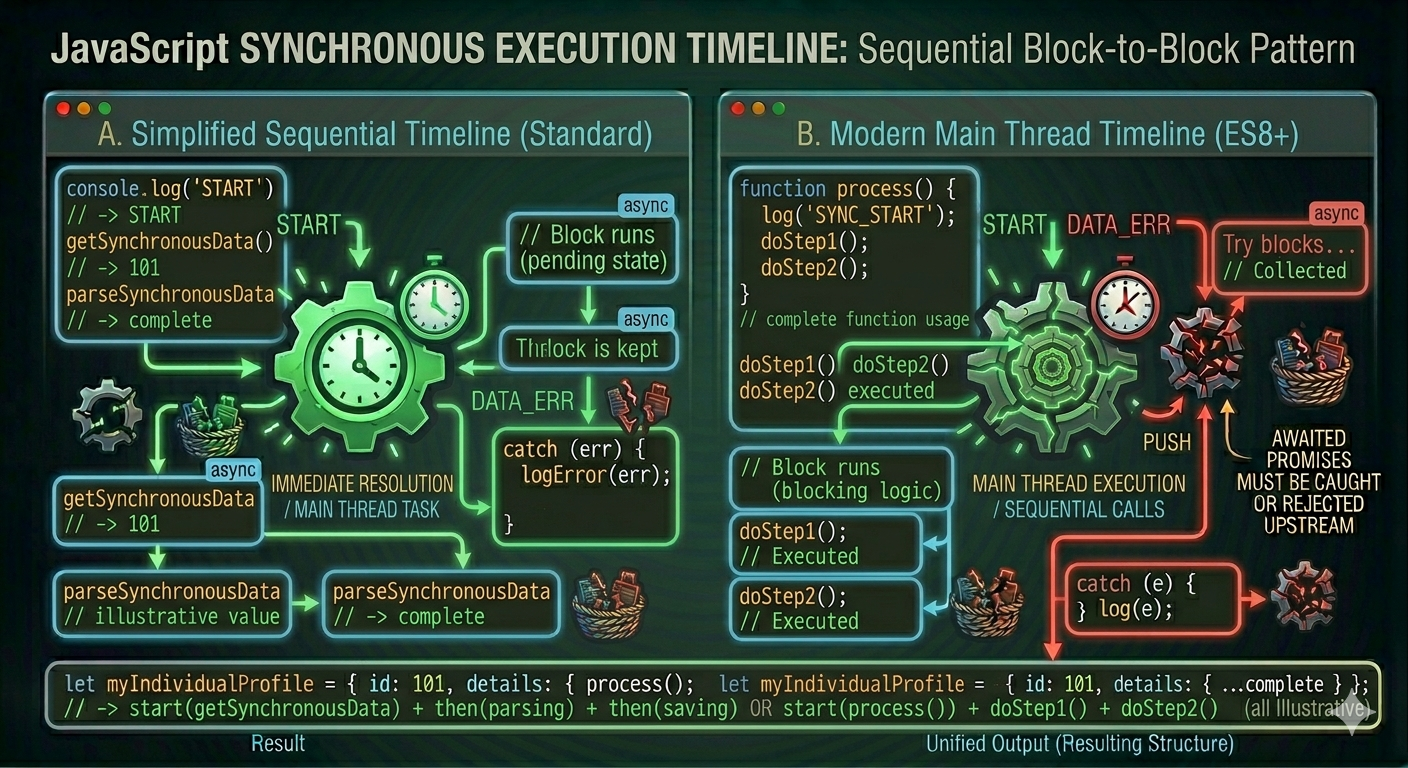
Let's make this very concrete. Imagine you have three tasks:
Task A takes 0.1 seconds
Task B takes 3 seconds (slow, needs a server)
Task C takes 0.1 seconds
Synchronous (blocking):
Time:  0s ──── 0.1s ────────────────── 3.1s ── 3.2s ──▶
       [Task A]  [      Task B       ]  [Task C]

Total: 3.2 seconds, user sees nothing working for 3 seconds
Asynchronous (non-blocking):
Time:  0s ── 0.1s ── 0.2s ─────────── 3.2s ──▶
       [Task A]  [Task C]     ← these run immediately
                   [Task B runs in background...]
                                       [Task B done]

Total: 0.2 seconds for A and C — user never notices the wait
Tasks A and C complete almost instantly. Task B runs in the background without blocking them. When B finishes, its result is handled. The user never experiences a freeze.
Real Example 1: API Calls
The most common async situation in modern JavaScript is fetching data from an API. You make a request and wait for the server to respond. That could take anywhere from 100 milliseconds to several seconds depending on the server, network, and data size.
// Synchronous-style thinking (this is NOT how fetch works, just illustrating)
const user = fetchUserFromServer(1); // everything freezes here
console.log(user.name);             // runs after the wait

// Actual async code with async/await
async function showUser() {
  console.log("Getting user...");

  const response = await fetch("https://api.example.com/users/1");
  const user = await response.json();

  console.log("Got user:", user.name);
}

showUser();
console.log("This runs while the user is being fetched.");
Output:
Getting user...
This runs while the user is being fetched.
(a moment later)
Got user: Priya Sharma
The last console.log runs before the user data arrives, because JavaScript doesn't wait. It fires off the fetch request, moves on, and comes back to handle the user data when it's ready.
Real Example 2: Timers
setTimeout and setInterval are classic examples of async behavior. They let you schedule something to run in the future without blocking the present.
console.log("Start");

setTimeout(() => {
  console.log("This runs after 2 seconds");
}, 2000);

setTimeout(() => {
  console.log("This runs after 1 second");
}, 1000);

console.log("End");
Output:
Start
End
(1 second later)
This runs after 1 second
(1 more second later)
This runs after 2 seconds
Both "Start" and "End" print immediately. The timers run in the background. When their time is up, they fire, in the order they finish, not in the order they were written. The 1-second timer finishes before the 2-second one.
This is a key insight: async tasks complete in the order they finish, not the order they were started.
Real Example 3: User Events
Every click, keypress, and scroll is async. JavaScript doesn't sit there waiting for the user to click something, it registers a listener and moves on. The listener fires whenever the event happens.
console.log("Page loaded");

document.getElementById("btn").addEventListener("click", function() {
  console.log("Button clicked!");
});

console.log("Ready for interaction");
Output when page loads:
Page loaded
Ready for interaction
Then whenever the user clicks:
Button clicked!
JavaScript never froze waiting for that click. It set up the listener, continued, and responded when the event arrived, could be 2 seconds later, could be 2 hours later.
The Problems With Blocking Code
Let's be specific about what actually goes wrong when code blocks the main thread.
The page becomes unresponsive. Animations stop mid-frame. Scrolling freezes. Buttons don't respond. The browser might even show a "Page Unresponsive" warning.
// A loop that runs for a long time — blocks everything
function heavyWork() {
  const start = Date.now();
  while (Date.now() - start < 3000) {
    // doing nothing, just blocking for 3 seconds
  }
  console.log("Done with heavy work");
}

heavyWork(); // page is frozen for 3 full seconds
During those 3 seconds, nothing else works. Not even a simple button click.
Requests pile up. If you make several API calls synchronously and each one blocks while waiting, they run one after another even when they could have run together. Three requests that each take 1 second take 3 seconds total instead of 1.
The user experience breaks. No loading spinners can spin. No progress bars can update. The user just sees a frozen, dead interface and has no idea if anything is happening.
How JavaScript Handles This: The Event Loop
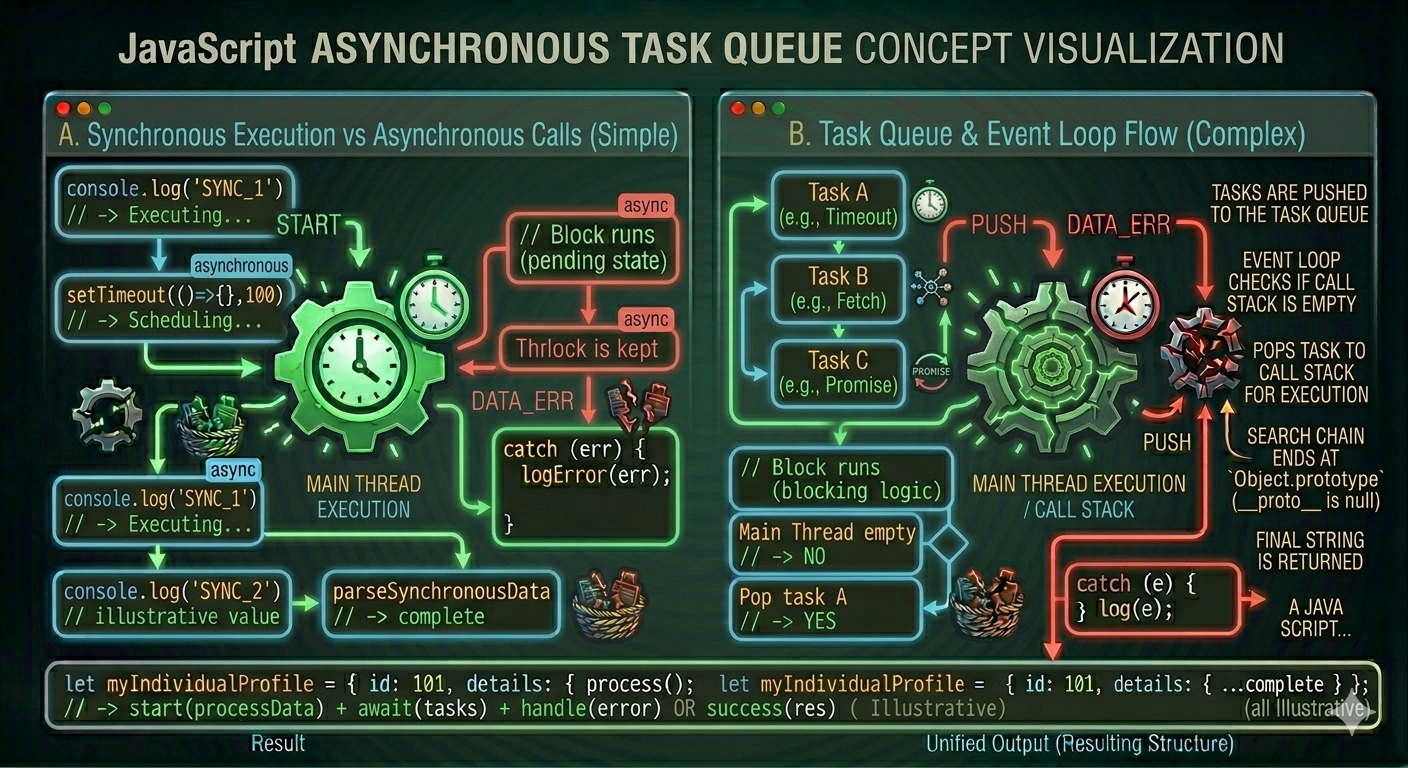
You might be wondering, if JavaScript can only do one thing at a time, how does async even work?
The answer is the event loop. It's the system JavaScript uses to handle async tasks without freezing.
Here's the simplified version:
┌─────────────────────────────────┐
│         Call Stack              │  ← Where your code actually runs
│  (one thing at a time)          │
└─────────────────────────────────┘
           ↑
           │ when stack is empty, picks up next task
           │
┌─────────────────────────────────┐
│         Task Queue              │  ← Async callbacks wait here
│  (setTimeout, fetch, events)    │
└─────────────────────────────────┘
When you call setTimeout, the browser takes care of the timer, JavaScript itself doesn't wait. When the timer expires, the callback is placed in the task queue. The event loop constantly checks: "Is the call stack empty?" When it is, it picks up the next task from the queue and runs it.
This is why async code never truly runs at the same time as your main code, it runs after the main code finishes, when the call stack is clear.
console.log("1"); // call stack

setTimeout(() => {
  console.log("3"); // put in task queue after 0ms delay
}, 0);

console.log("2"); // call stack

// Output: 1, 2, 3
// Even with 0ms delay, "3" still runs last — because the call stack has to clear first
Even a setTimeout with 0 milliseconds delay runs after the current synchronous code finishes. That's the event loop in action.
Synchronous vs Asynchronous: Quick Comparison
                SYNCHRONOUS              ASYNCHRONOUS
                ─────────────────────    ─────────────────────
Execution:      One line at a time       Starts task, moves on
Waiting:        Waits for each step      Doesn't wait — handles result later
Blocking:       Yes — halts everything   No — other code keeps running
Use cases:      Math, logic, data        API calls, timers, file reads,
                manipulation             user events
Readability:    Easy to follow           Requires understanding of flow
Risk:           Blocking on slow ops     Harder to trace execution order
Key Takeaways
Synchronous code runs line by line, in order. Each line waits for the previous one.
Asynchronous code starts a task and moves on, the result is handled later, when it's ready.
Blocking code freezes the entire program while waiting. Pages become unresponsive. Users notice.
JavaScript is single-threaded, it can only run one thing at a time. Async is how it handles waiting without blocking.
The event loop is the mechanism that lets async tasks run after the current code finishes.
API calls, timers, file reads, and user events are all async, they use the event loop to avoid blocking.
Async tasks complete in the order they finish, not the order they were started.
The tools for writing async code are callbacks, promises, and async/await, each a cleaner solution than the last.
Quick Reference
// Synchronous — runs in order, each line waits
const result = add(1, 2);        // completes immediately
console.log(result);             // runs right after

// Asynchronous — starts and moves on
setTimeout(() => {
  console.log("later");          // runs after delay
}, 1000);
console.log("now");              // runs immediately

// Async API call — non-blocking
async function getUser() {
  const response = await fetch("/api/user"); // doesn't block other code
  const user = await response.json();
  console.log(user.name);
}

// Even 0ms timeout is async — runs after current code
setTimeout(() => console.log("B"), 0);
console.log("A");
// Output: A, then B

// Blocking (avoid this)
while (Date.now() - start < 3000) {} // freezes everything for 3 seconds
Synchronous code is like a single-lane road, everything queues up and waits. Asynchronous code opens a bypass, slow traffic goes around, fast traffic keeps moving.

